Visually inject Schema.org structured data into WordPress

Add JSON-LD schema markup to any post or page with an intuitive visual interface. No coding required. All 1400+ Schema.org types, dynamic tokens, and full developer control.

What inCod Visual Schema Injector Can Do

Everything you need to add structured data to your WordPress site, directly from your post editor.
Visual Metabox Interface
Interface

Visual Metabox Editor

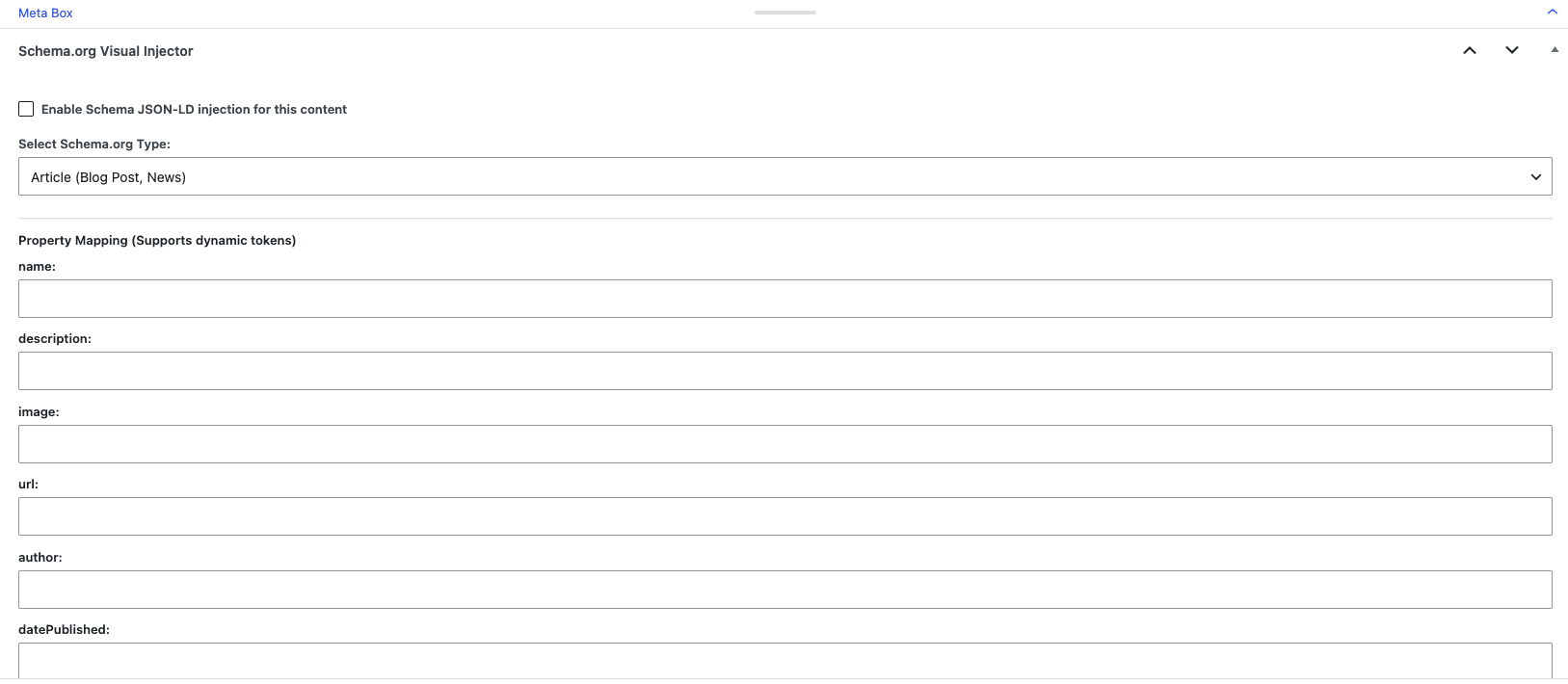
A clean, intuitive metabox appears in your post editor. Select a schema type and fill in the fields visually—no code needed.

  • Simple dropdown to select schema type
  • Dynamic fields change based on schema type
  • Enable/disable schema per post
  • Works with classic editor and block editor
Schema Types
Schema Types

All 1400+ Schema.org Types

Access the complete official Schema.org vocabulary with a searchable dropdown. Every type from the full hierarchy is available.

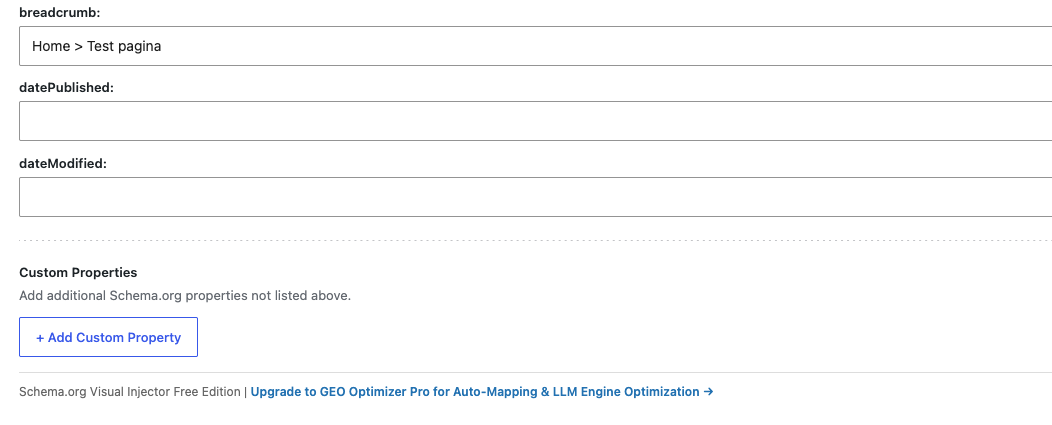
  • 11 curated types with detailed fields
  • 1400+ types with common fields (name, description, image, url)
  • Searchable dropdown to find any type instantly
  • Curated types include nested objects (PostalAddress, Place, Offer)
Dynamic Tokens
Automation

Dynamic Tokens

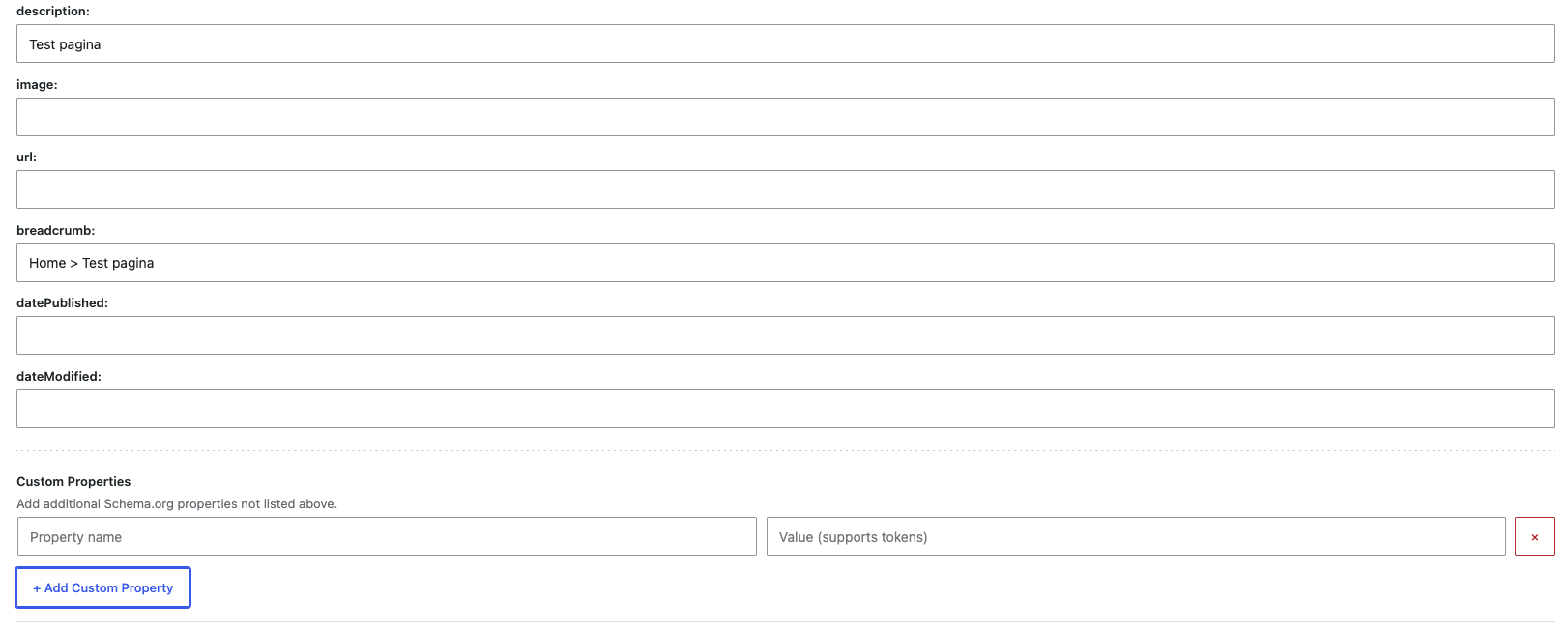
Use smart placeholders that automatically fill with post data, custom fields, or site information.

  • {post_title}, {post_permalink}, {featured_image_url}
  • {meta:key} for any custom field
  • {acf:field_name} for ACF fields
  • {site:name}, {site:url}, {option:key}
Nested Schema Objects
Advanced

Nested Schema Objects

Build complex structured data with nested objects like addresses, locations, offers, and organizers.

  • PostalAddress for LocalBusiness
  • Place and Organization for Events
  • Offer for Products
  • Automatic JSON-LD nesting

Why inCod Visual Schema Injector

Built for site owners and developers who want structured data without the complexity.

Visual Interface

No code required. Fill in fields visually and the plugin generates valid JSON-LD automatically.

WordPress-Grade Security

Nonce verification, capability checks, sanitization, and escaping on every input and output. 100% clean Plugin Check.

Lightweight & Fast

No frontend dependencies. Schema is injected as clean JSON-LD in the head. Zero impact on page speed.

Nested Objects

Complex Schema.org structures with PostalAddress, Place, Offer, and Organization objects built automatically.

Dynamic Tokens

Smart placeholders that auto-fill with post data, ACF fields, custom meta, and site options. Set once, use everywhere.

Custom Post Types

Works with any public post type. Add schema to pages, posts, products, events, or any custom post type.

Developer Filter

sovi_json_ld_payload filter lets developers modify the final JSON-LD before output. Full programmatic control.

WordPress.org Ready

Readable code, i18n-ready, GPL-2.0+, compliant with all official repository guidelines.

ACF & Meta Box Ready

Pull data from Advanced Custom Fields or Meta Box using {acf:field} and {meta:key} tokens.

Frequently Asked Questions

Everything you need to know about inCod Visual Schema Injector for Schema.org.

No. The plugin provides a visual metabox in the post editor. Simply select a schema type, fill in the fields, and the plugin generates valid JSON-LD structured data automatically.

The plugin supports all 1400+ official Schema.org types. 11 curated types (Article, Book, Event, FAQPage, LocalBusiness, Organization, Person, Product, Recipe, Service, WebPage) have type-specific fields. All other types use common fields (name, description, image, url) and are available via the searchable dropdown.

Tokens like {post_title}, {meta:my_field}, or {site:name} are automatically replaced with real values when the schema is rendered. You can use them in any field to avoid manual data entry.

Yes. The metabox appears on all public post types, including custom post types created by other plugins or your theme. You can add schema to any content type.

Yes. Use {acf:field_name} to pull values from Advanced Custom Fields, or {meta:key} for any custom field including Meta Box. The tokens update dynamically on the frontend.

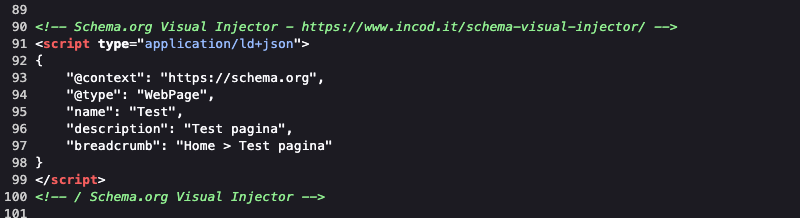
No. The plugin only outputs a clean <script type="application/ld+json"> tag in the head. No CSS, no JavaScript, no external requests. Zero impact on page performance.

Yes. The sovi_json_ld_payload filter allows you to modify the final JSON-LD array before it's rendered. You can add, remove, or change any field programmatically.

Yes. The JSON-LD is rendered server-side as part of the page head. Caching plugins work normally with no special configuration needed.